

AUTOMATIONS
Your process.
Clearly laid out.
Choose an event, add the conditions that matter, and arrange the next steps. Review the supported actions before enabling your workflow.
See how workflows are built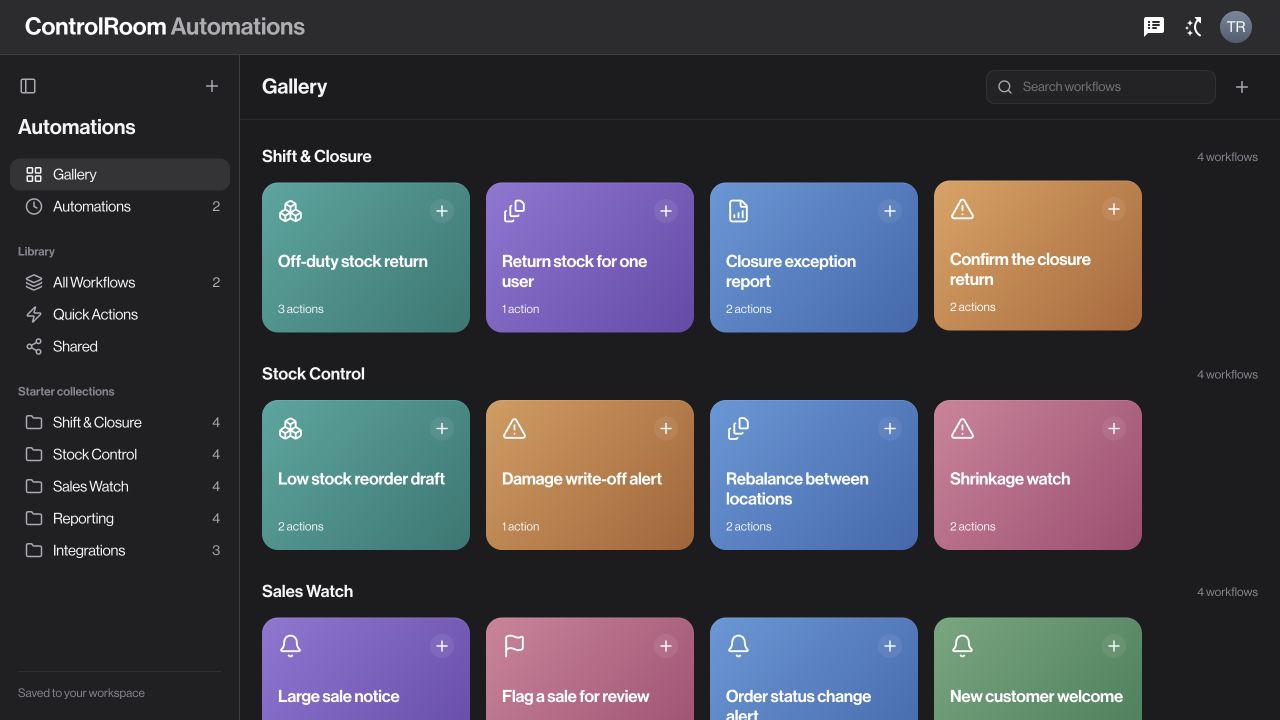
Zaqnet
Business software for orders, payments, stock, and people.
Connecting the office, the warehouse, the store, and the team on the ground.


ControlRoom and GroundLink · Actual product screens
HOW IT WORKS
An order is taken, a payment is collected, or stock moves between locations. Your team records the details through the tools for their job.
Office staff use ControlRoom to look up the customer, review the order, check the payment, or manage the stock involved.
The records give you something to return to when a customer asks a question, a team needs an update, or it is time to review the day.
ControlRoom is the workspace in your browser. GroundLink is the mobile app for your field team. Together, they connect the work across your business.
FOR THE OFFICE

What has been sold, what has been collected, what is still owed and which orders are waiting.
Open the relevant record, understand what needs attention, and coordinate the next step.

A LOOK INSIDE CONTROLROOM
Today’s sales, what has been collected, what is still owed, and the orders in progress. The numbers you would otherwise chase across four different places.
Type a product, a customer, an invoice number. Search looks across sales, stock, payments, orders and people at once, and takes you straight to the record.
Move the tiles, add the ones you want, drop the ones you do not. Your home screen ends up showing what you actually check each morning.
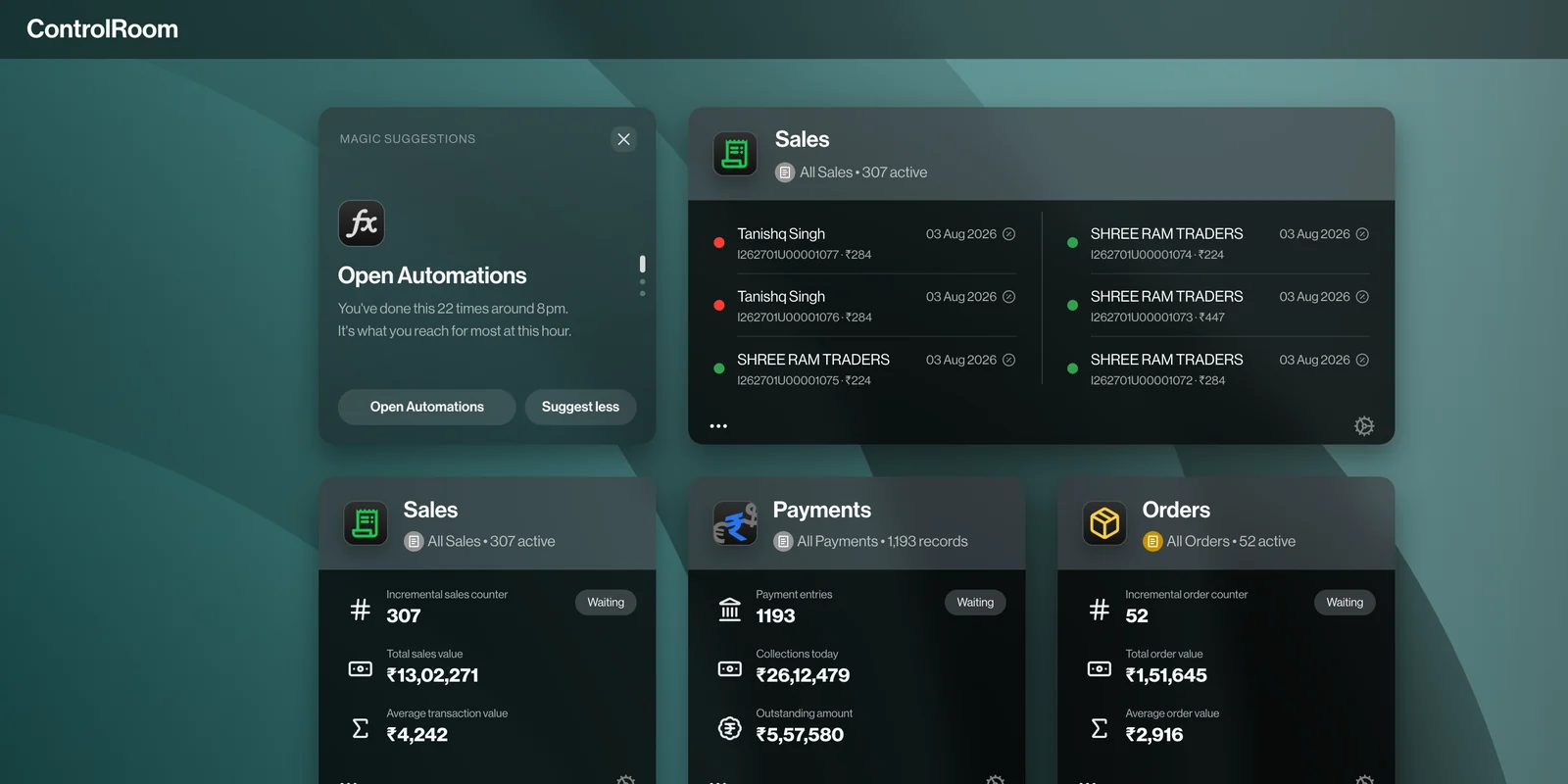


Actual product screens
ONE WORKSPACE
Orders for what customers need. Payments for collections. Inventory for stock. Choose the app for the job, while staying in the same workspace.
 Sales
Sales Orders
 Payments
 Inventory
 Purchases
 Customers
 Users
Users Trackboard
 Automations
 Closure
FOR THE FIELD
Customer details, orders, and collections, where the work happens.
Give your team a way to record the visit and bring the details back into the business.
MAKE IT YOURS
Choose a background, arrange the tiles you want on your home screen, and put the numbers you check first where you will actually see them. Start with the information that matters to your own working day.
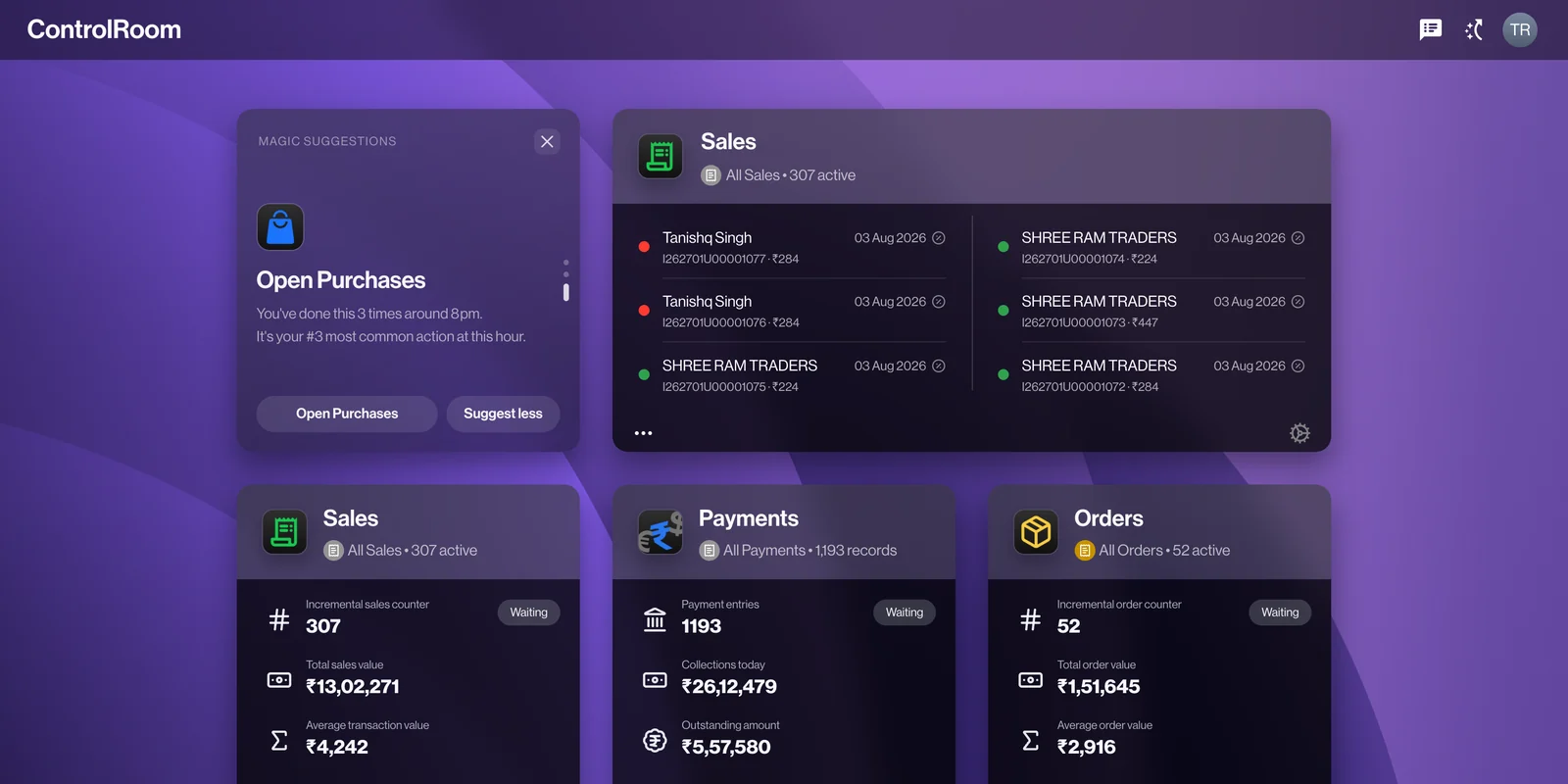
Indigo · Choose a background
Introducing ZaqOS Levante
The first generation of Zaqnet’s experience layer.
Familiar across every surface. Connected in every direction.
AUTOMATIONS
Choose an event, add the conditions that matter, and arrange the next steps. Review the supported actions before enabling your workflow.
See how workflows are builtA PLAN FOR YOUR BUSINESS
Four plans on the same system. Move up when the business does, without moving your records anywhere.
Compare the four plansIN DEVELOPMENT
A counter for the businesses that also run their own storefront, on the same stock and prices.
What we are buildingIN DEVELOPMENT
The customer’s own view of their orders, receipts and outstanding balance.
What we are buildingSEEING IT ON YOUR OWN NUMBERS
Tell us how your team takes orders, handles stock, and collects payments. We will show you where Zaqnet fits and which tools your team would use.